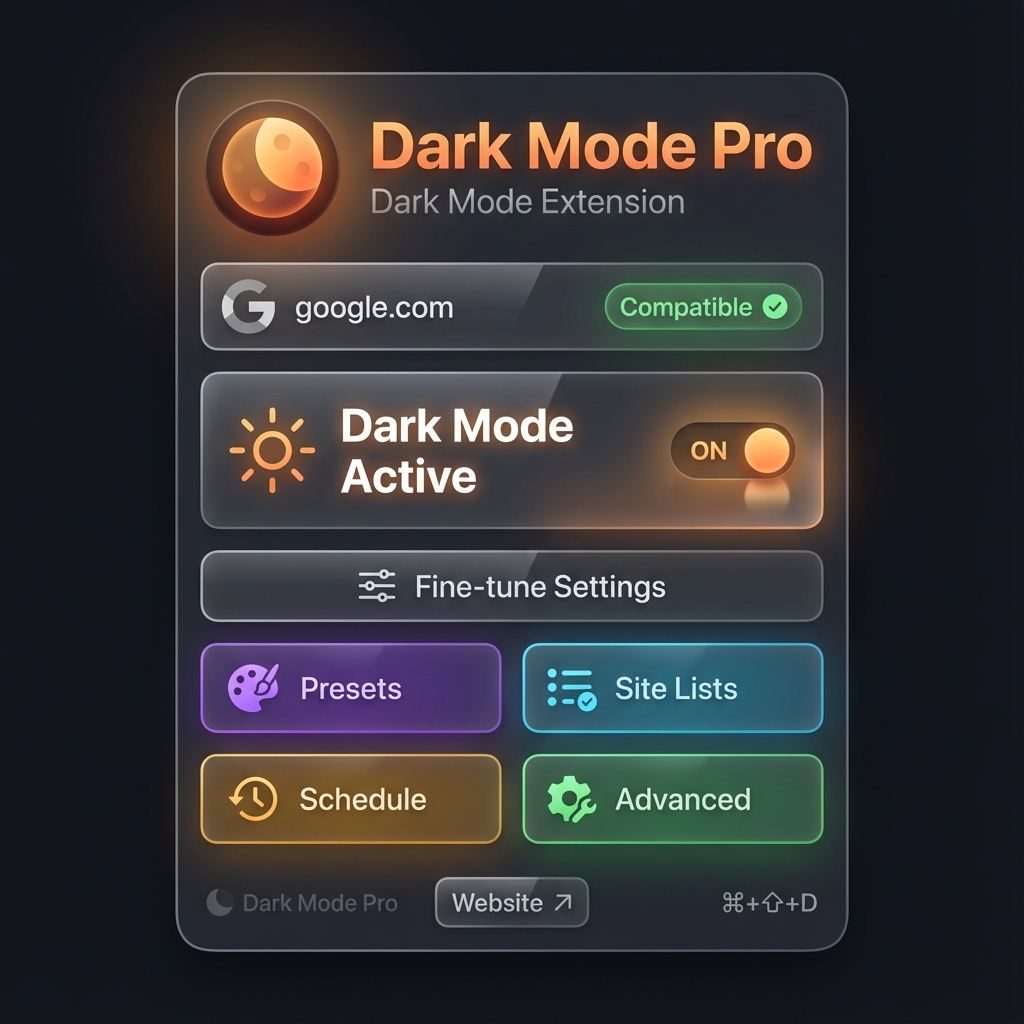
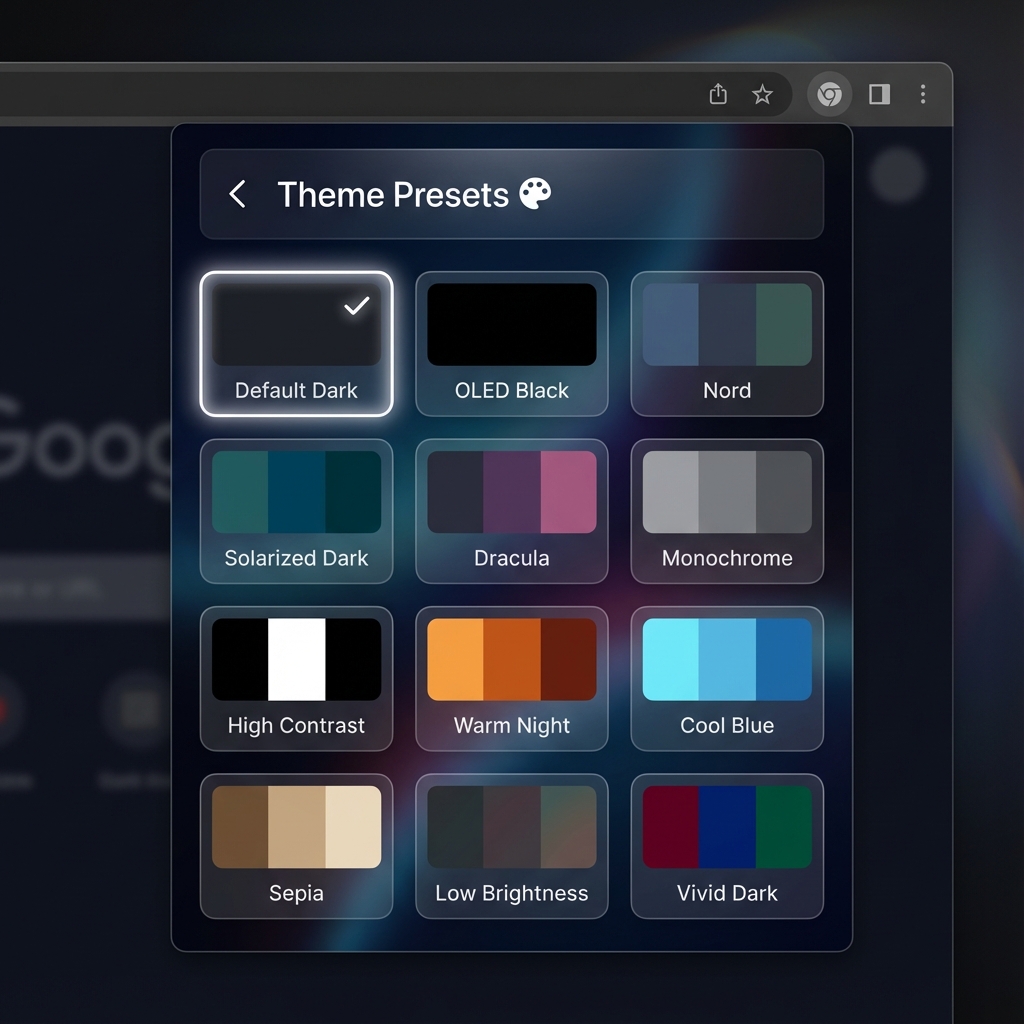
Protect your eyes with intelligent dark mode that works on any website. Smart compatibility detection, customizable brightness controls, and a beautiful interface.
Everything you need for the perfect dark mode experience
Automatically detects if a website can be turned dark. Disables toggle for incompatible sites with clear explanations.
Adjust brightness, contrast, sepia, and grayscale to your preference. Fine-tune the dark mode experience for every website.
Remembers your dark mode preference for each website. Enable on some sites, disable on others - your choice.
Optimized for performance. Dark mode applies instantly without slowing down your browsing experience.
All preferences stored locally. No data collection, no tracking. Your browsing stays private.
Modern glassmorphism design with gradient accents. A pleasure to use every time you open it.
Simple, intelligent, and effective
When you open the extension, it automatically checks if the current website can be turned dark. It detects native dark mode, extension pages, iframes, and security restrictions.
Simply toggle dark mode on or off. The extension applies intelligent CSS filters to transform the page while preserving images and media quality.
Adjust brightness, contrast, and other filters to your liking. Your preferences are saved per website and persist across sessions.
Install the extension and start protecting your eyes today
Download the extension and extract the files
Navigate to chrome://extensions/
Toggle "Developer mode" in the top right
Click "Load unpacked" and select the dist folder
Yes! The extension works on most websites. It automatically detects if a site is compatible and will disable the toggle if dark mode cannot be applied (like on extension pages or sites with native dark mode).
No, the extension is optimized for performance. Dark mode is applied using efficient CSS filters that have minimal impact on page load times or browser performance.
Absolutely! All your preferences are stored locally in your browser. We don't collect any data, track your browsing, or send information to external servers.
Yes! Click the settings icon in the extension popup to adjust brightness, contrast, sepia, and grayscale filters. Each website can have its own custom settings.
Join thousands of users enjoying a better browsing experience
Install Now